+1 Drain Water Per Click How to Play
The loop, the HUD, the currencies, and a session that actually drains.
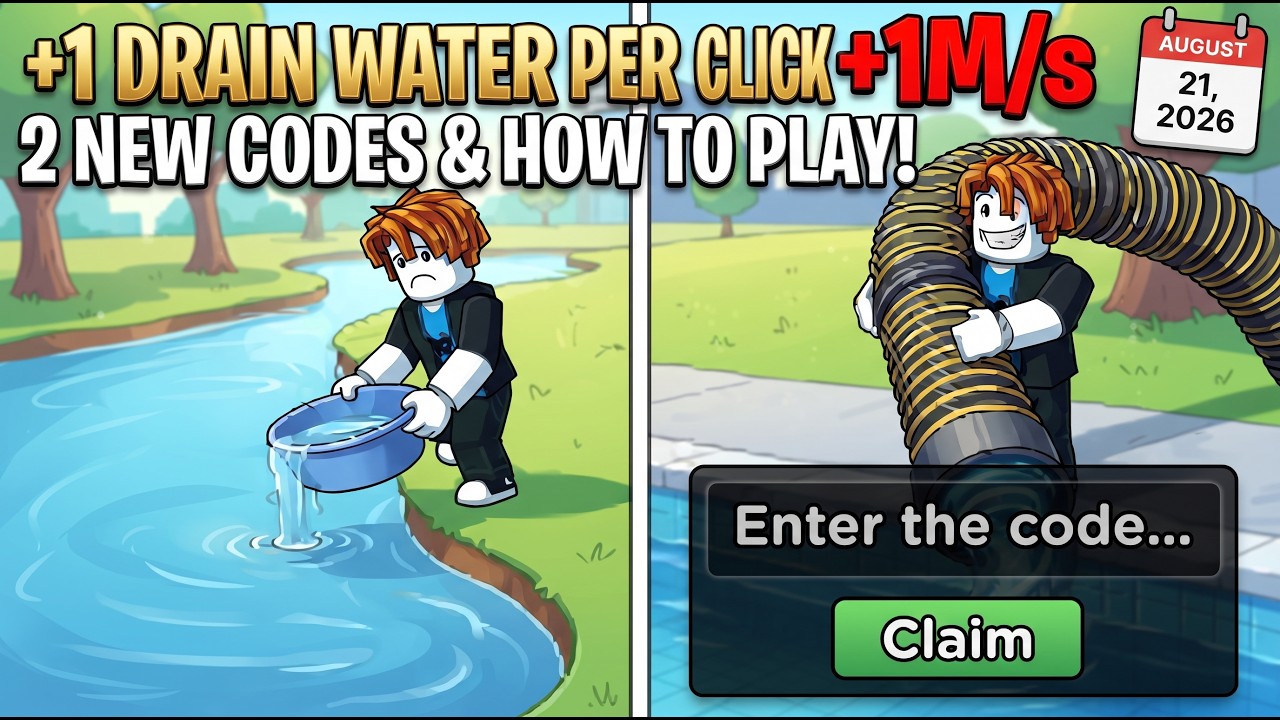
+1 Drain Water Per Click is a free Roblox incremental from Wrestling Elephant Studio, live since July 25, 2026. You play on 6-player online servers. The game is not a combat sim and not a tycoon with a hidden job board. You raise Water, empty a pool, pick up fish, then convert those fish into Cash or aquarium income. This page is the rules of a session. For a timed first hour, use getting started. For the physics of a lake, use how to drain pools.
The core loop
Left Mouse Button trains Water. The default is +1 Water per click. Drain speed scales with that Water level. You walk to a pool, empty it, and collect whatever fish landed on the floor. Sell them at the shop for Cash, or place them on a display stand so the aquarium pays income per minute. Spend Cash on Pumps, Pets, Upgrades, and later Auras. When the Water number is high and the next pump is slow, rebirth for permanent Water and Cash multipliers, which resets Water level to 0. Then you train again, drain a bigger pool, and repeat.
Training pads in the hub and the play area auto-train while you AFK. They do not replace clicks when you are at the keyboard, but they keep the loop moving during shop trips, code redemptions, and short breaks. Unlock bigger pools, lakes, and areas as Water and Cash climb. Collect Wins as you play. Wins are part of progression, not a separate game mode you have to queue for.
HUD: Pumps, Shop, and the ticket icon
Three HUD pieces matter more than anything decorative on screen.
The Pumps button is how you buy the best Water-per-click multiplier without hunting the hub stand every time. Pumps outrank pets for training. Open that button whenever drain speed stalls and you have Cash. You can still walk to the hub stand if you prefer the world object, but the button is there so you do not lose a drain cycle wandering.
Shop warp is how you empty a full backpack. Upgrades add +1 backpack space at a time, so you will still fill it. Warp, sell commons, keep mutated fish, warp back. Do not stand in an empty lake with a locked inventory hoping the next fish stacks anyway.
The ticket or coupon icon sits at the top-left. That is codes. Type the code, press Claim, respect case. The live list is on codes. Claim at the start of a session, not after you have already spent the hour broke.
Controls stay simple: WASD to move, Space to jump, E to interact, left click to train Water. E is for stands, pads, and prompts. Click is never the interact key.
Currencies and what they buy
Cash is the everyday spend. It buys Pumps, eggs and pets, the three upgrade types, and late auras. Water is not a wallet currency; it is the training stat that makes drains faster. Wins track progress as you unlock content.
Cthulhu event currencies sit beside that loop: Cthulhu Coins, Cthulhu Tickets, Gold Cthulhu, and Lava Aquarium. Codes feed all four. AdminAquarium grants the Lava Aquarium, which belongs in the aquarium plan. CDraw and Cthulhu grant tickets. CCoins grants 5,000 Cthulhu Coins. Fixed1 grants Gold Cthulhu. Spend those on the event, not as if they were Cash. The Cthulhu update is the event page; updates is the patch hub.
Pets hatch from eggs, fill equip slots, and add a Water multiplier. They are real, just not the first purchase. Pets ranks what to keep equipped. Auras are a minor Water training boost at a hub stand. Buy them when pumps, rebirths, and pets already exist.
Six-player servers and session structure
Servers are online and hold six players. You share space. You do not share Water. Another player draining the same lake does not train your click. Treat the server as a world, not a party buff. If a pad or stand is busy, use the other pad in the play area or the HUD Pumps button instead of waiting in a queue that the game does not have.
A clean session has a shape. Login, claim codes, check pads. Click Water until the current pool drains at a pace you can stand. Drain, pick up, warp to shop if the backpack is tight. Sell commons. Send mutated or high-rarity fish to the aquarium. Buy a pump if Cash allows. If the next pump is a long farm and Water is already high, consider a rebirth, then rebuild on pads. Check the tier list and mutations when a floor drop looks expensive.
Optional extras live on scripts and tools. The guides hub lists every walkthrough if you arrived from search.
Session rhythm from the HUD
Play is HUD literacy more than map knowledge. When Water-per-click stalls, hit Pumps. When the backpack screams, warp Shop. When you sit down for a new session, open the ticket icon before the first click. When you step away, stand on a training pad so AFK still raises Water. Other players can share the server, but they will not drain for you. Your Water number is the clock, and pets, auras, rebirths, and event tickets only multiply that clock. Live drops often land in the Discord; the loop itself does not change when a new code appears.
Frequently Asked Questions
Quick answers to the most common questions.
What is the core loop?
Train Water with left-click, drain a pool, pick up fish, then sell for Cash or display them for income per minute.
What does the Pumps button do?
It opens pump purchases, the best Water-per-click multiplier. You can also buy pumps at the hub stand.
Which currencies should I watch?
Cash for shops, Water for drain speed, Wins for progress, plus Cthulhu Coins, Tickets, Gold Cthulhu, and Lava Aquarium during the event.
How many players are on a server?
Six. Servers are online. Other players share the world; they do not share your Water level.
How do I open the code window?
Click the ticket or coupon icon at the top-left, type the code, and press Claim. Codes are case sensitive.
What should a normal session look like?
Claim codes, train on pads or clicks, drain, shop-warp commons, display mutations, buy a pump, then consider a rebirth.