+1 Drain Water Per Click Controls Guide
Keyboard, mouse, HUD buttons, and the mobile tap that actually drain lakes.
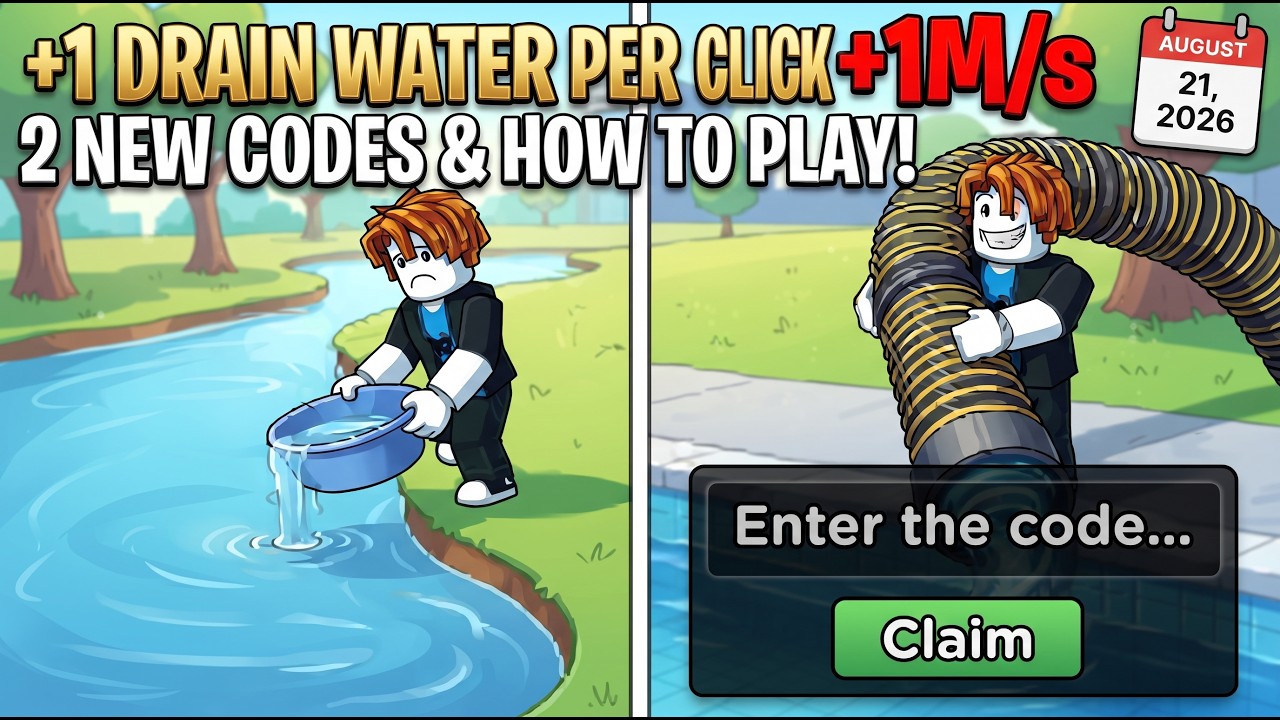
+1 Drain Water Per Click looks like a clicker, but you still walk a six-player Roblox map. Wrestling Elephant Studio launched the experience on 25 July 2026. The inputs never change: you train Water, walk to a pool, pick up fish, and warp back to sell or display. This page is the control sheet so getting started can stay a first-hour plan instead of a keybind dump.
Play on Roblox. Servers hold six players. Nothing here requires a gamepad mapping beyond the defaults.
Keyboard and mouse
| Action | Default |
|---|---|
| Move | W A S D |
| Jump | Space |
| Interact | E |
| Train Water | Left Mouse Button |
Left click is the grind. By default each click adds +1 Water. Pumps multiply that number. Pets add another multiplier while equipped. Auras add a smaller training boost. You can click while standing on a training pad; the pad already auto-clicks, so manual clicks stack on top.
E opens stands and shop prompts: Pumps, auras, backpack, walk speed, display stands, eggs. If a prompt does not appear, walk closer and face the stand. Space is only for hops onto pads or over small geometry. You do not jump to drain.
HUD buttons that matter
The HUD is the real control layer after you leave the keyboard sheet.
Ticket / coupon icon (top-left). Opens the codes box. Type a string exactly, press Claim. Case sensitive. No level gate. Full steps live on how to redeem. The live list is on the codes hub.
Pumps button. Opens the same catalog as the hub pump stand. Buy the next Water-per-click pump from here without walking back if you are mid-lake. Pumps beat pets for training. Details sit on the pumps guide.
Shop / hub warp. When the backpack is full, warp to the hub, sell commons, display keepers, then return. Do not walk a full pack across three pools. How to drain covers when to warp versus when to push one more pool.
Inventory / equip. Pets only multiply Water while they sit in an active slot. After Fixed1, Fixed2, or WaterHappy, open the slot panel and equip. The pets guide is the slot page.
Mobile and all devices
The experience lists all devices. On a phone or tablet:
- The virtual stick replaces WASD.
- Tap the on-screen jump for Space.
- Tap the interact prompt for E.
- Tap the pool, pad, or empty space to train Water the way left-click works on PC.
- The ticket icon, Pumps button, and Shop warp stay on the HUD. They are not buried in a pause menu.
If taps feel dead, check that another HUD panel is not covering the click target. Close the codes box after Claim. Close the Pumps panel after a purchase. A stuck panel is the most common “controls broken” report, not a missing bind.
Pads, pools, and what you actually click
Training happens in two places. Hub pads and some play-area pads auto-train Water while your avatar stands on them. Walk onto the pad, stop, and let it run. Add left clicks if you are at the keyboard. Pools drain when your Water is high enough; you still walk into the water and let the drain play out, then pick fish off the floor. You do not hold a unique “drain key.” Water is the drain button.
After a rebirth, Water is zero. Get on a pad immediately. Clicking a pool at Water 0 is how sessions stall. Gameplay footage from August 2026 showed the Rebirth prompt appearing around Water level 25 — treat that as a filmed unlock, not a secret keybind.
Weather windows are not extra keys
Poison and Black Hole weather last about four minutes. They do not add a new control. They change what is worth clicking: walk toward a pool, drain, and pick mutated fish before they despawn. Weather events maps Poison to Venom and Black Hole to Hole. Do not AFK on a hub pad through a Hole window if you can reach water.
A short session bind check
- Spawn. Confirm WASD, jump, and E on a hub stand.
- Open the ticket icon. Redeem. Close the box.
- Stand on a pad. Left-click a few times to confirm training stacks.
- Open Pumps from the HUD. Buy if Cash allows. Close the panel.
- Walk to a pool. Drain. Pick fish. Warp to Shop if the backpack is tight.
If any step fails, it is almost always a covered HUD, not a missing control. The rest of the wiki assumes this sheet: how to play for the loop, aquarium for display, tools for the 20-minute plan. Keep the binds boring so the numbers can get loud.
Frequently Asked Questions
Quick answers to the most common questions.
What is the default Water training bind?
Left Mouse Button on PC. Each click starts at +1 Water before pumps and pets. Pads auto-train while you stand on them.
How do I open codes?
Ticket or coupon icon, top-left of the HUD. Type the string and press Claim. See how to redeem.
Where is the Pumps shop?
Hub stand or the HUD Pumps button. The pumps guide explains why that buy beats extra eggs.
Does mobile use different controls?
Same actions: stick to move, tap to train Water, HUD for codes, Pumps, and Shop warp. Close leftover panels if taps miss.
Is there a drain key?
No. Drain speed follows Water. Walk into the pool after training. Details are in how to drain.
What happens after a rebirth?
Water resets to 0. Stand on a pad and train before the next lake. Timing lives on rebirths.